 wassender
A closer look at every feature.
See how each part works, what it helps you do, and how it fits into your day — with real screenshots from the extension.
Find the exact answer.
Search inside every guide, including examples and troubleshooting.
Each guide walks through the tools, the choices you control and what to expect when you use them.
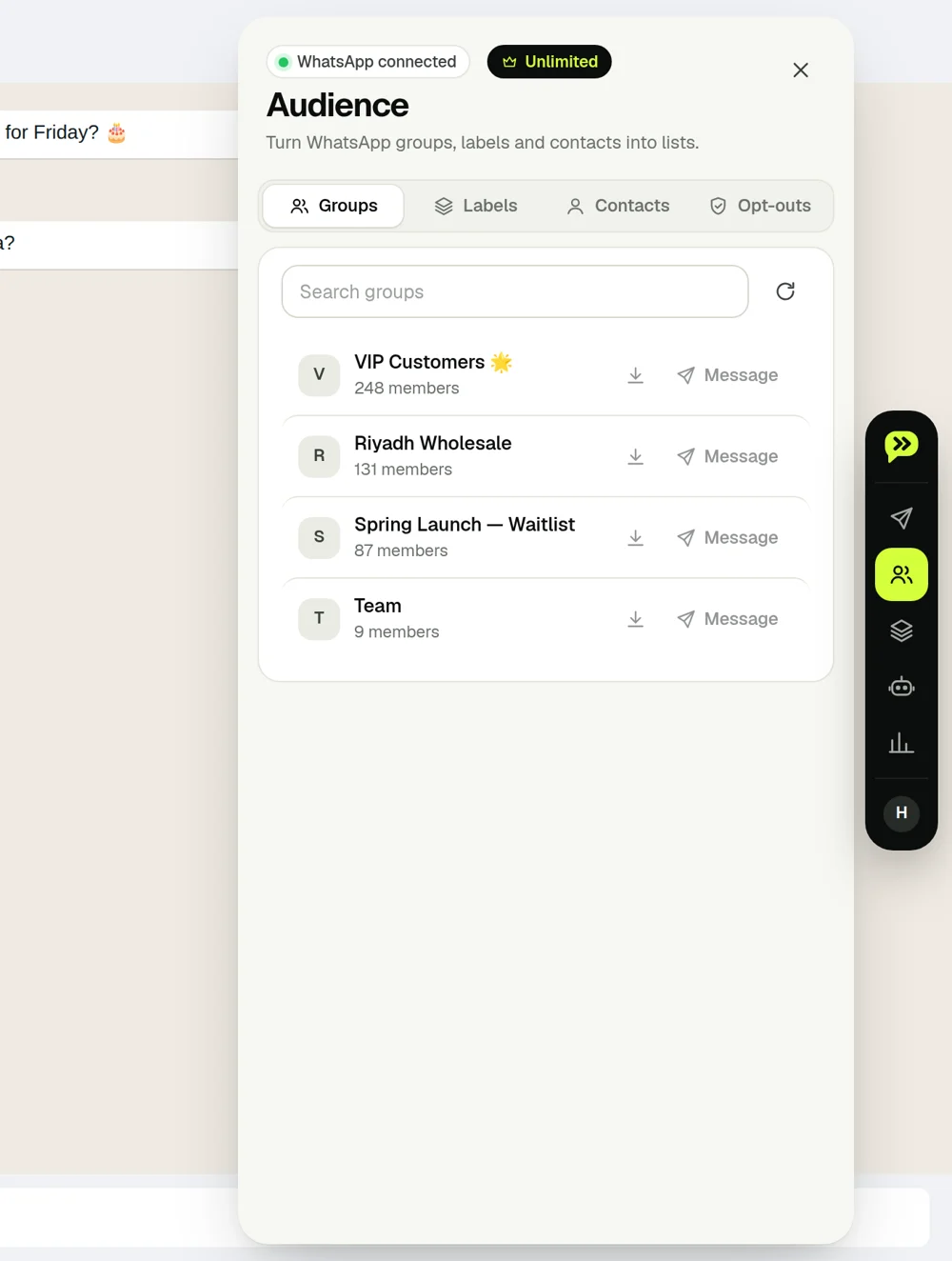
Choose the right people, with examples
Groups, Business labels, contacts, Excel exports and opt-outs. See exactly who enters your campaign and why.
Read the guide ↗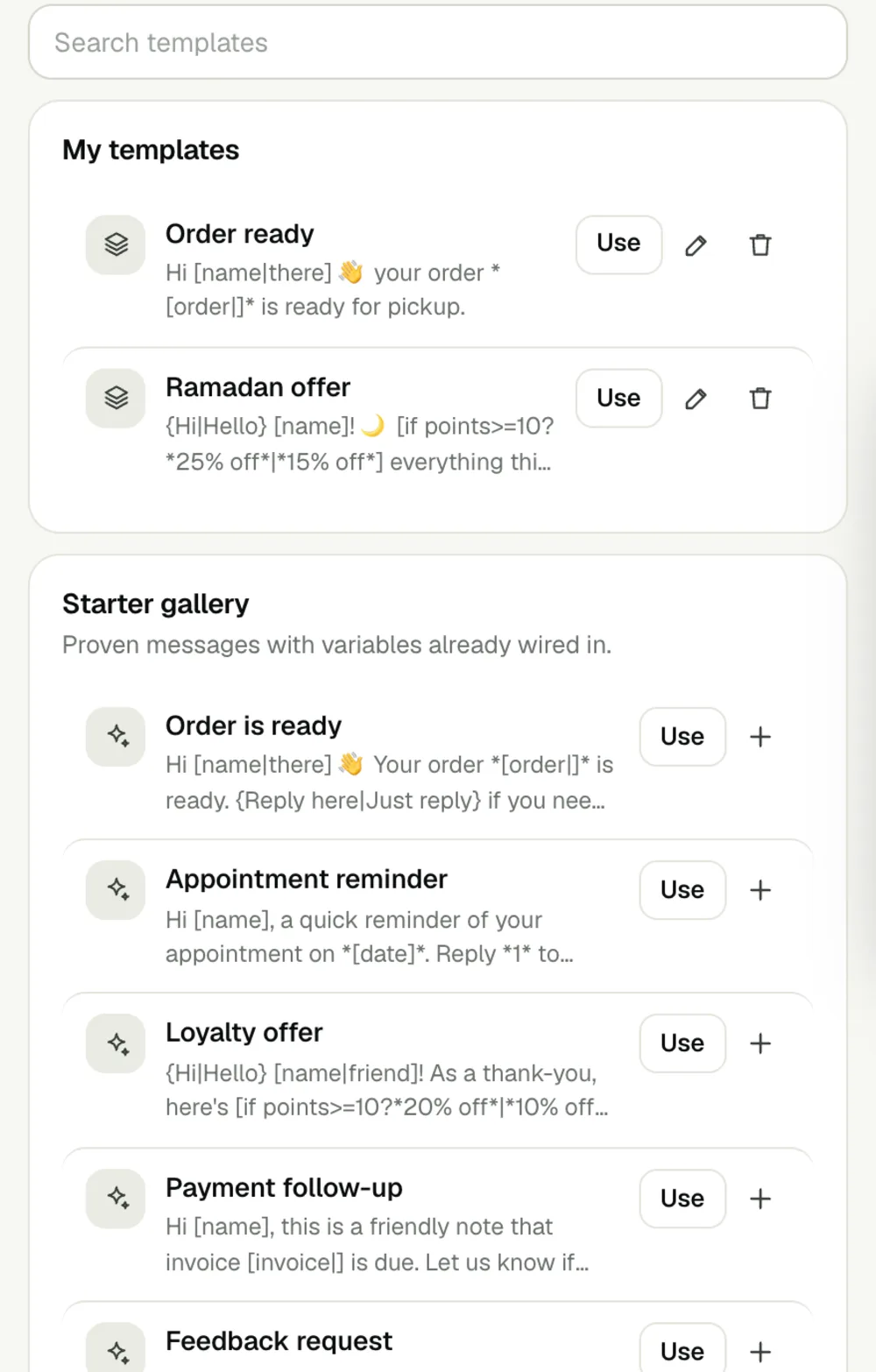
Variables, conditions and templates made easy
What to type, what the customer receives, and how to reuse your message. Includes missing names, dates, wording variations and attachments.
Read the guide ↗From audience to personal message
Import contacts, shape a message for each person, preview it and reuse your best templates.
Read the guide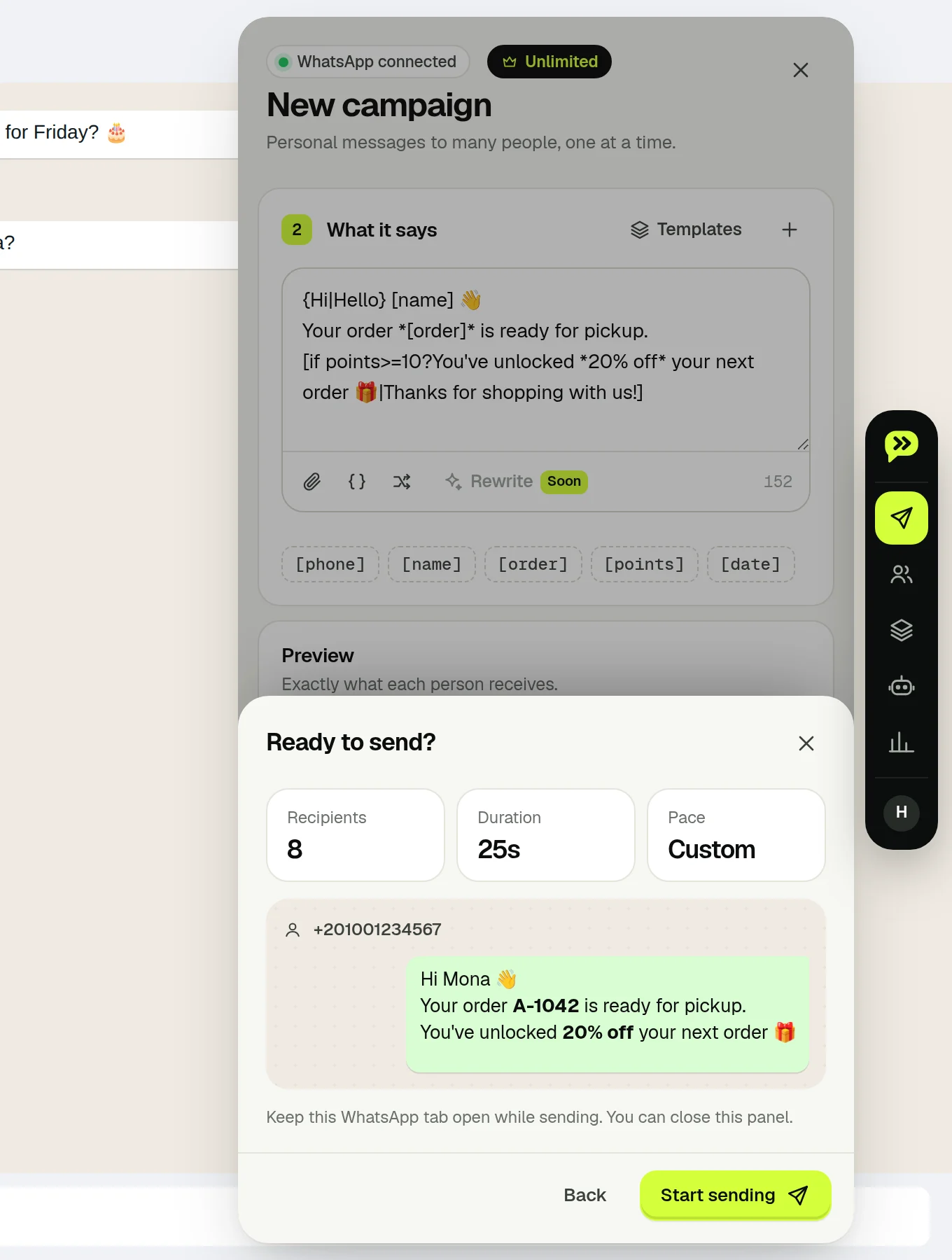
Set your pace and stay in control
Review a campaign, choose pacing, follow live progress and manage exceptions.
Read the guide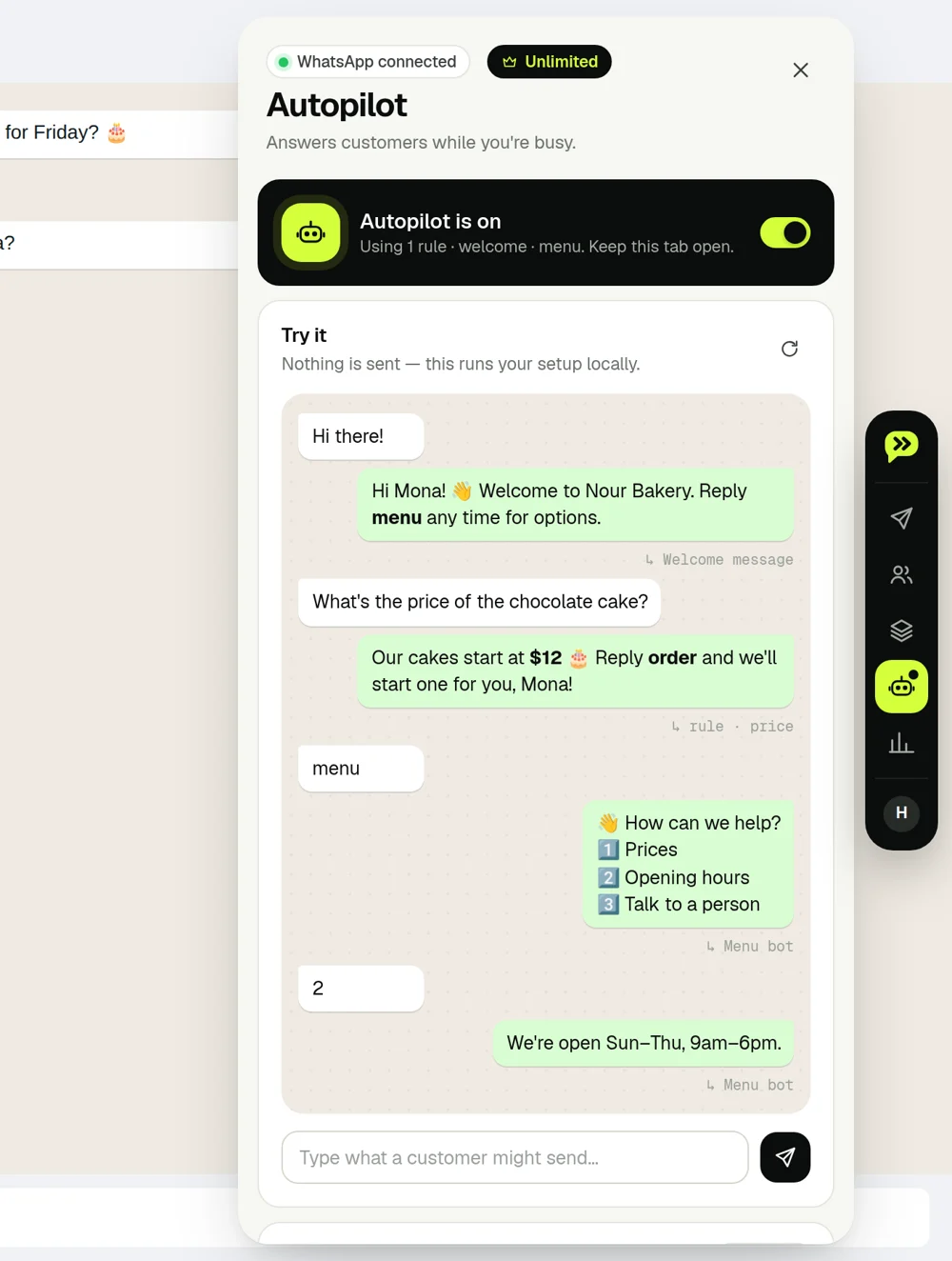
Answer common questions automatically
Set up keywords, welcome and away messages, and numbered menus. Test them before they go live.
Read the guide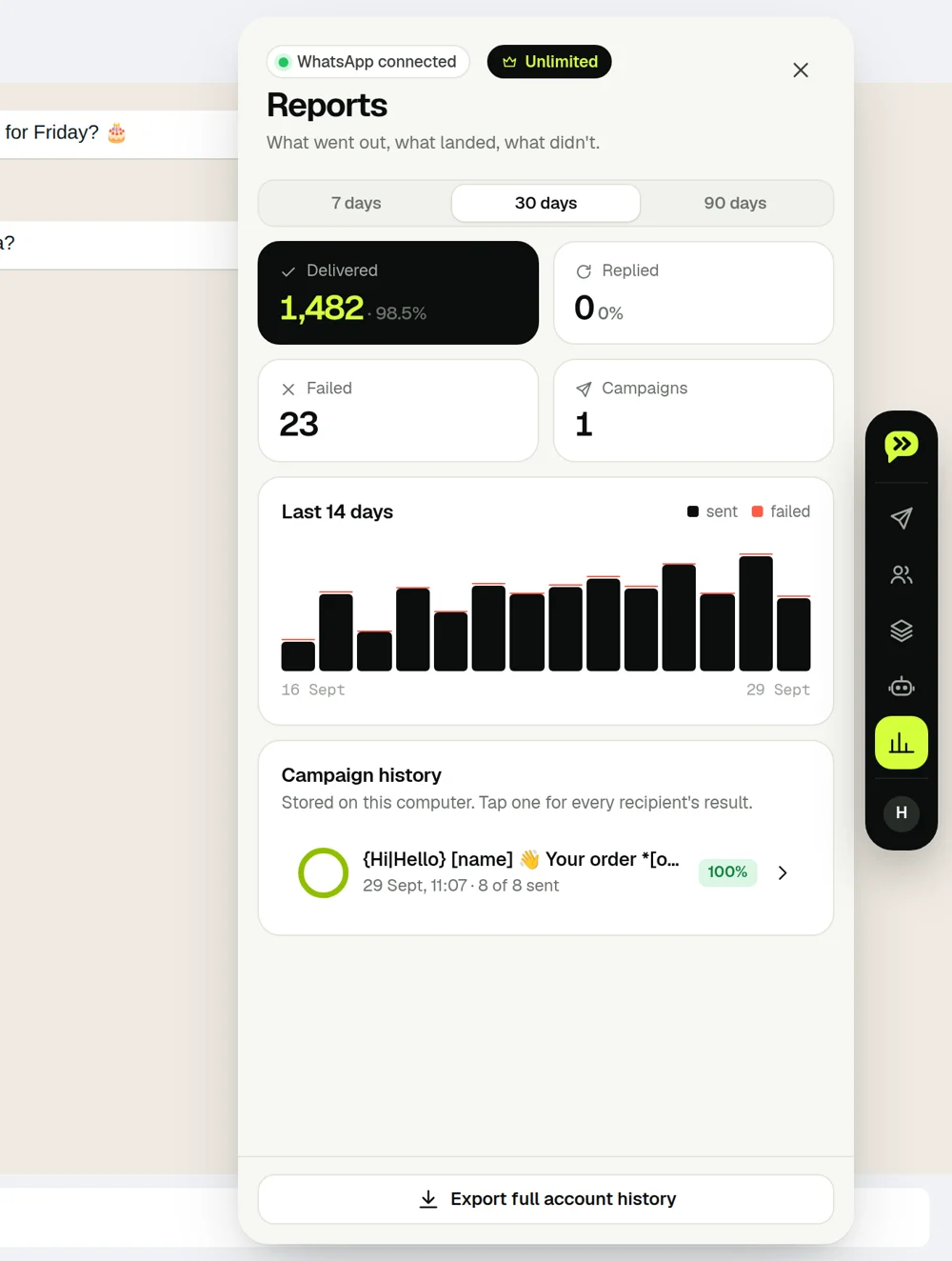
See what landed and what comes next
Schedule a campaign, track replies, follow up with non-responders and export results.
Read the guide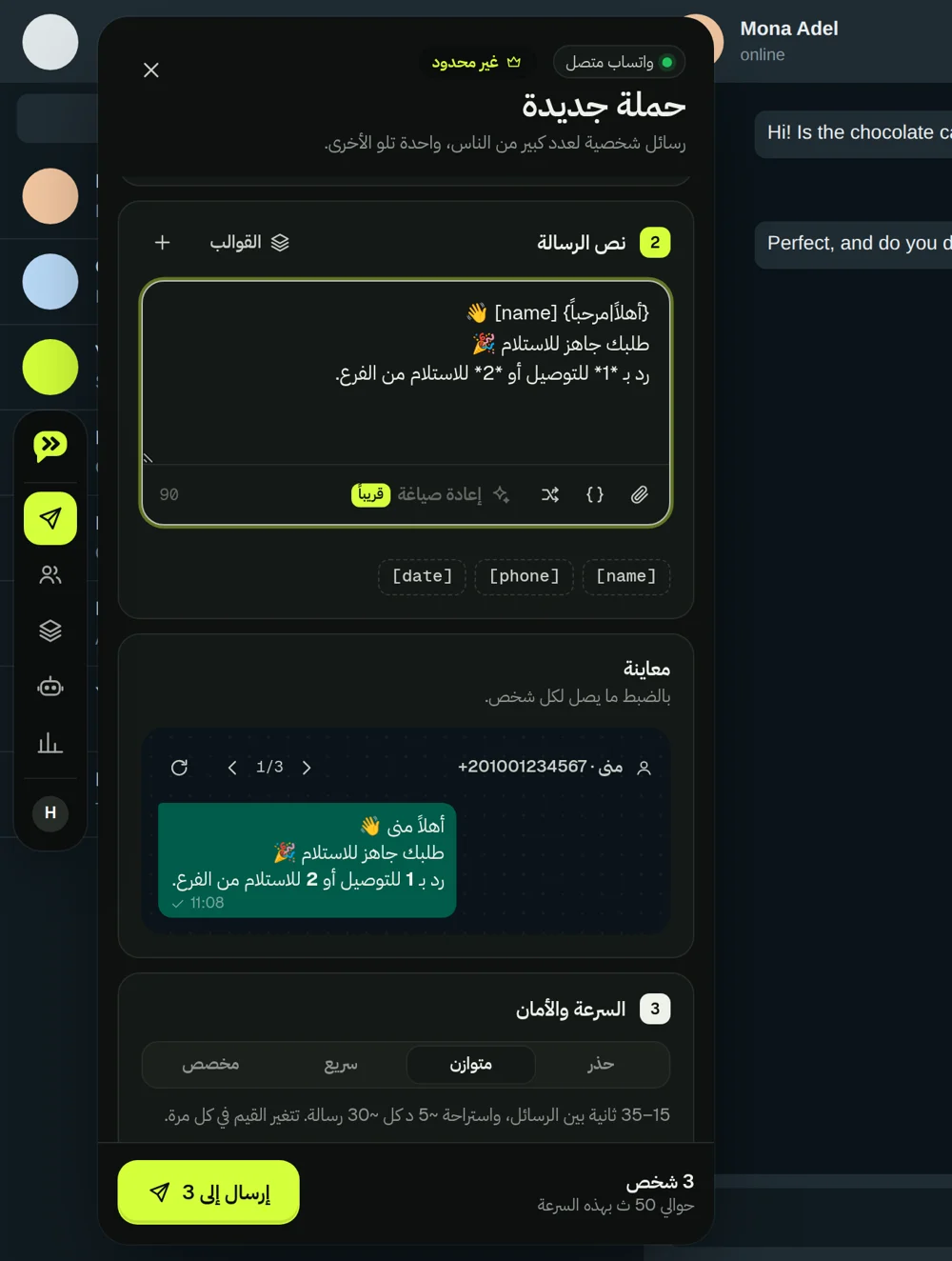
A full right-to-left experience
Explore the Arabic interface, Arabic-aware keyword matching and theme support.
Read the guide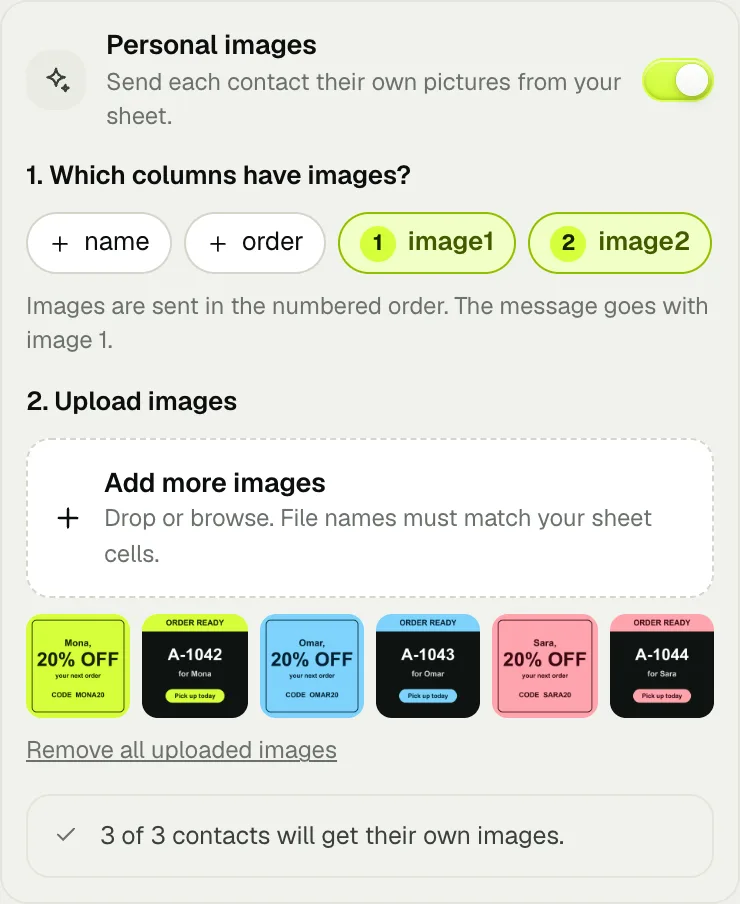
A different image for each contact
Coupons, receipts, tickets or product photos — one per row of your sheet, sent as real WhatsApp photos.
Read the guide ↗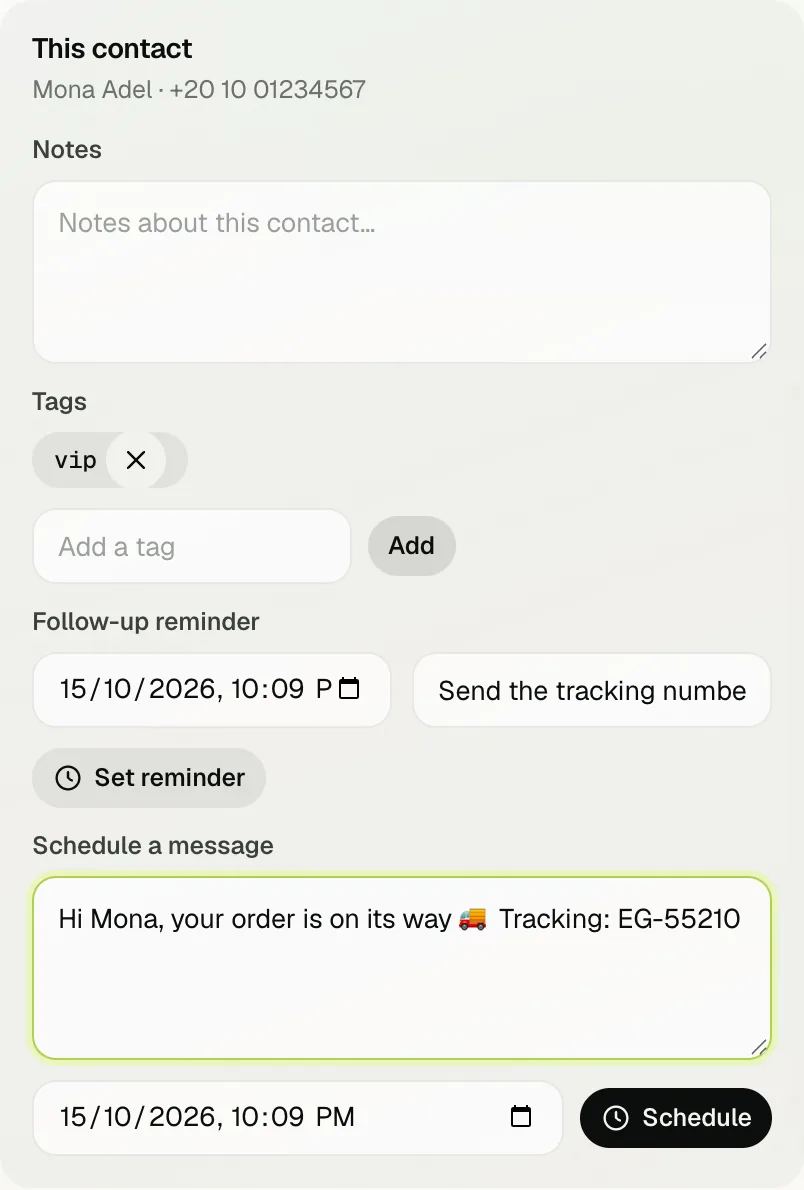
Never lose a reply or a promise
Campaign replies, chats waiting on you, notes, tags, reminders and quick replies — in one place.
Read the guide ↗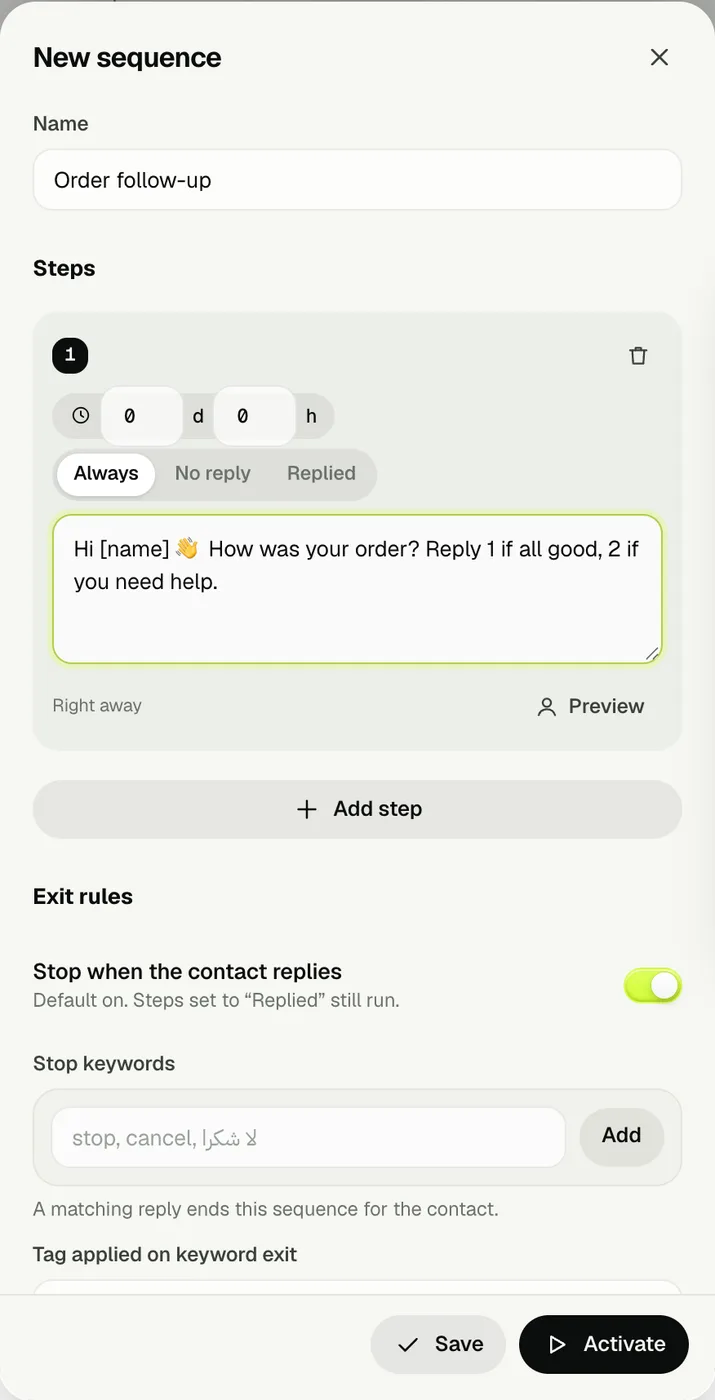
Follow up automatically, stop on reply
A reminder, a nudge, a last call — each step waits, checks for a reply and respects opt-outs.
Read the guide ↗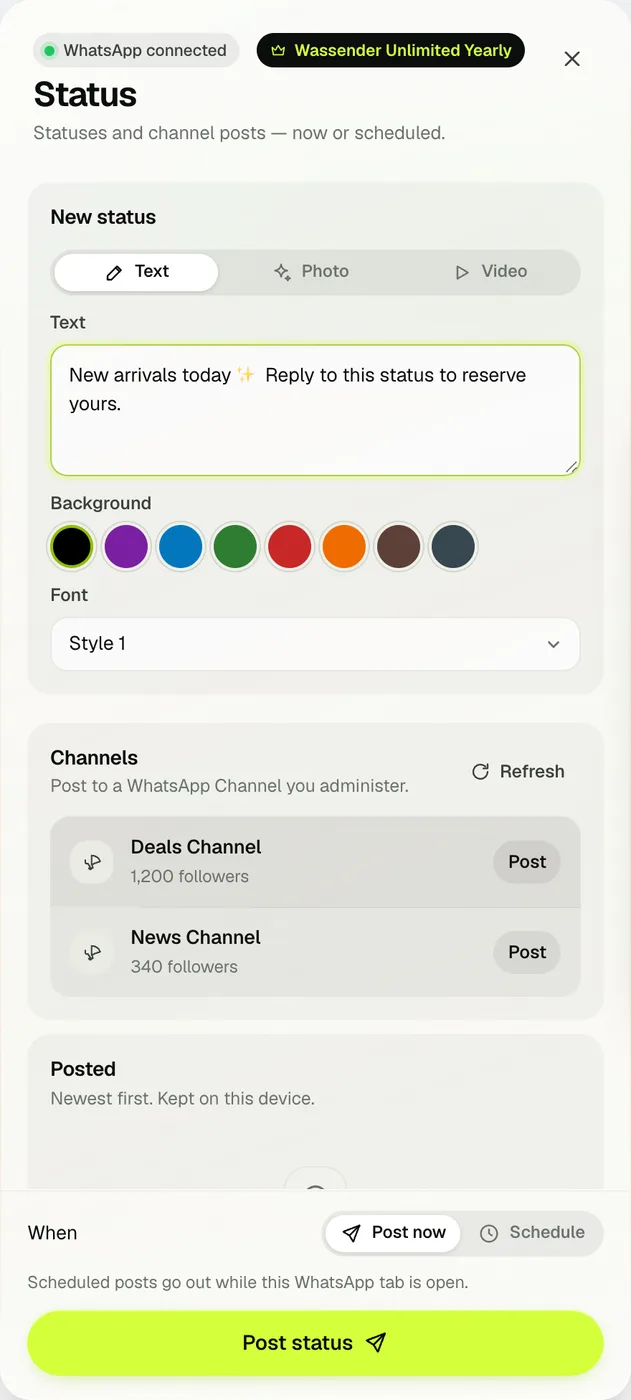
Post and schedule Status and Channel updates
Text, photo or video Statuses and Channel posts from your computer — now or later.
Read the guide ↗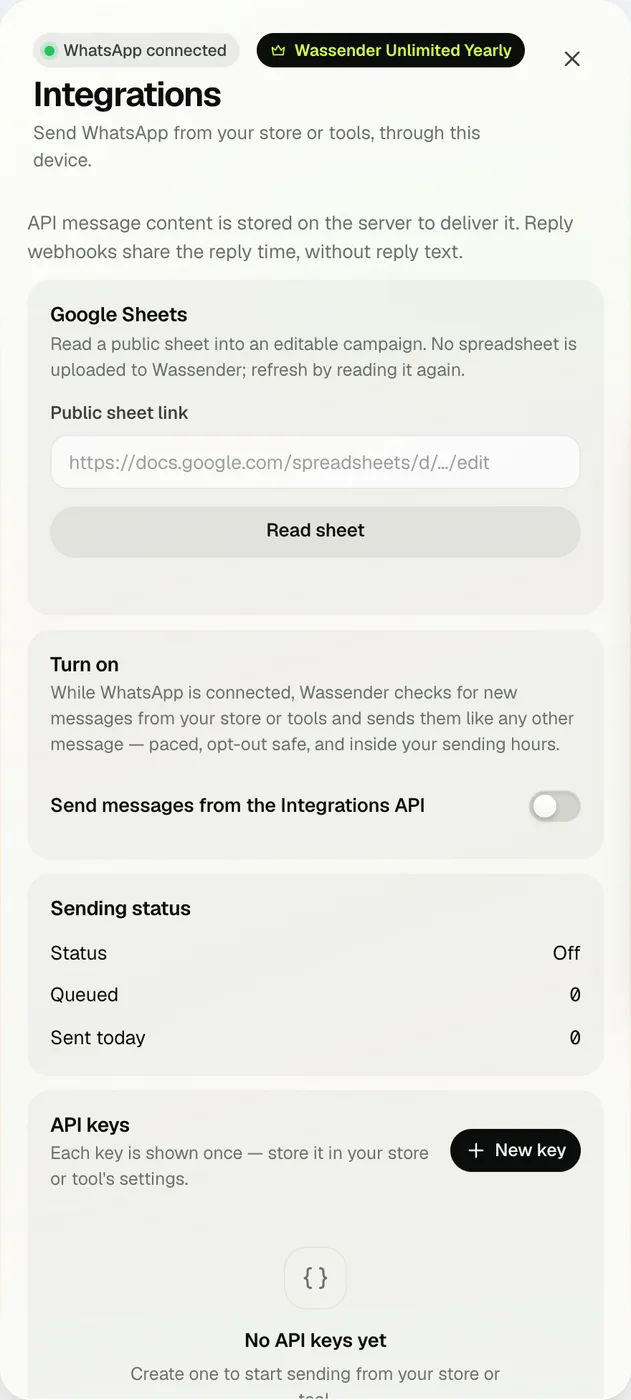
Send from your store or tools
API keys, signed webhooks and Google Sheets — through your own WhatsApp, at a safe pace.
Read the guide ↗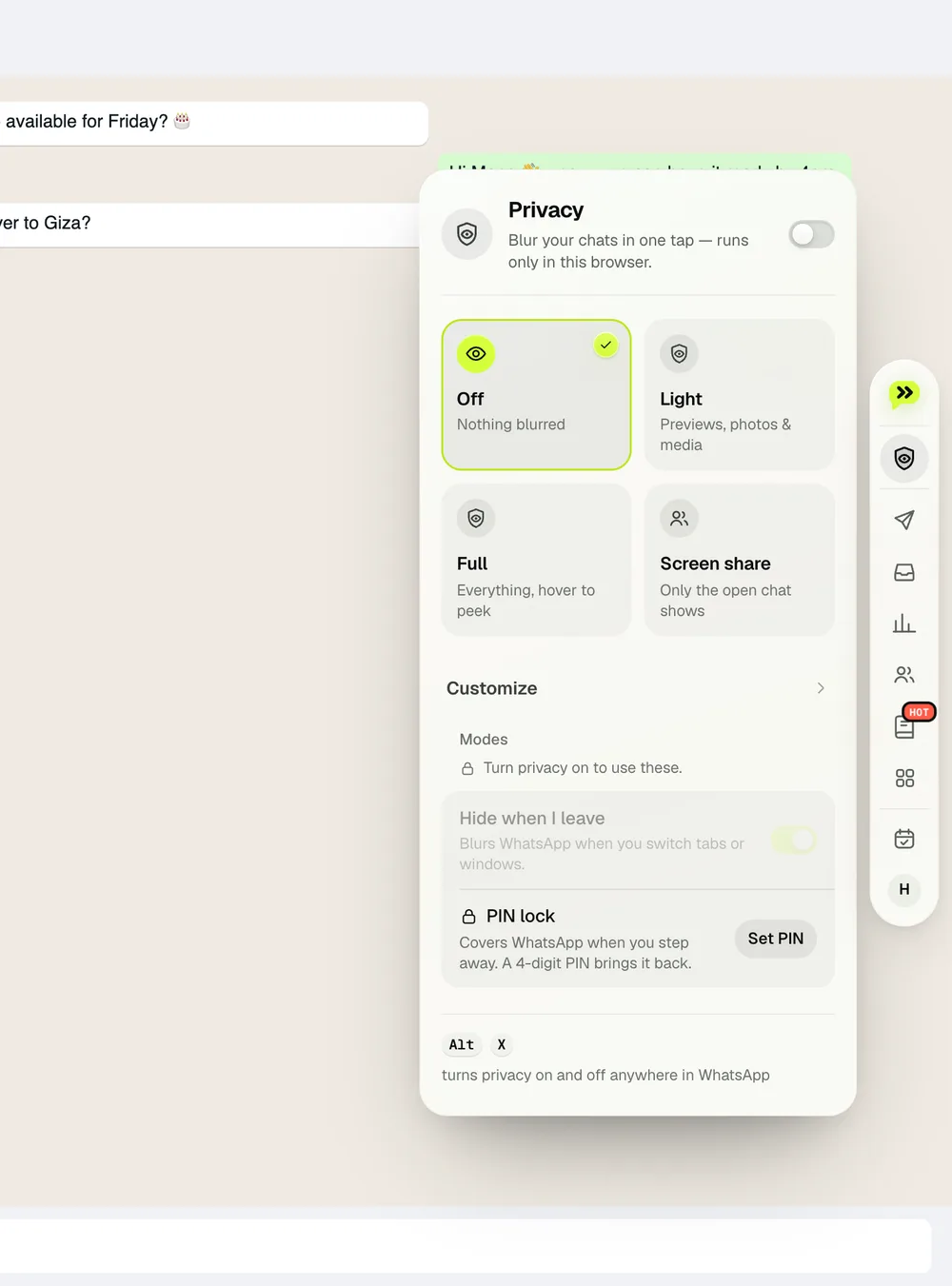
Privacy, notes, recap and voice to text
The small tools you'll use every hour — all on your computer, nothing uploaded.
Read the guide ↗Try it with your own workflow.
Start on the free plan, explore the tools in WhatsApp Web, and upgrade only when you need Unlimited features.