Groups, labels, contacts and opt-outs — with real examples.
Choose exactly who belongs in a campaign, see who is excluded, and export the available list to Excel.
On this pageChoose a section
01 · Group example: open a list and choose Message or Export
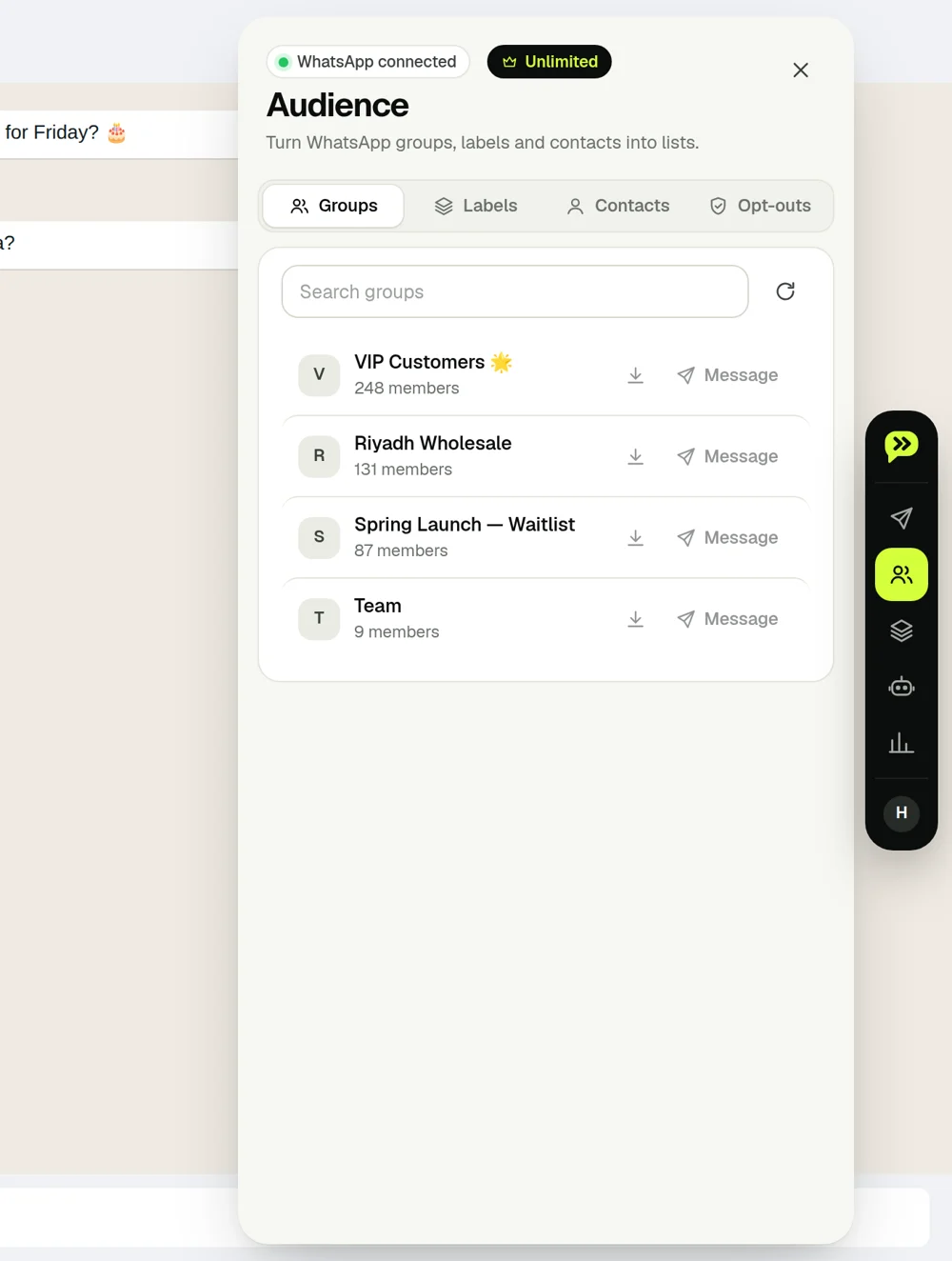
Suppose your WhatsApp group is “October workshop” with Mona, Omar and Sara. Open Audience → Groups, search October workshop, then choose Message to put its available members into a new campaign. These WhatsApp audience tools are part of Unlimited.
Group member
Phone available?
Campaign / export
Mona
Yes
Included
Omar
Yes
Included
Sara
Hidden by WhatsApp
Cannot be included without a phone number
Use the download icon to export available members to Excel instead. The export contains phone, name and, for group members, admin. If WhatsApp hides a number, Wassender reports it as hidden rather than inventing a number.
02 · Label example: message only “Order ready” customers
In WhatsApp Business, label Mona and Omar “Order ready” and Sara “Awaiting payment”. In Audience → Labels, choose Order ready → Message. Mona and Omar enter the campaign; Sara does not because she is in another label. Labels come from WhatsApp Business, not from a spreadsheet column.
Use Refresh after changing your WhatsApp groups or labels. If no labels appear, check that your connected account is using WhatsApp Business and has labels.
03 · Contacts and Paste: make a small test list
Audience → Contacts lets you start from available WhatsApp contacts or export them. For a quick campaign without spreadsheet details, choose Paste and put one phone number on each line:
12025550101
12025550102
12025550103
Replace these demo numbers with your own test contacts. Use Spreadsheet when the message needs order IDs, points or appointment details; Paste does not supply those extra columns.
04 · Opt-out example: remove Omar from future campaigns
Open Audience → Opt-outs → Add. Paste Omar’s number and click Add.
Import the three-row orders example. If all three phones are otherwise valid, only Mona and the third customer remain. The opted-out number is excluded.
Alternatively, enable Autopilot opt-out keywords. When Omar sends stop as a whole message, it adds him to the list and sends the confirmation.
You can export the opt-out list or remove an entry from its row. Remove it only after the customer asks to receive messages again.
05 · If the audience is empty, check this first
What you see
Likely cause
Next step
Connect WhatsApp first
WhatsApp not authenticated
Scan the WhatsApp QR code, then refresh.
No groups found
Wrong account or no matching search
Clear the search, refresh, and check your WhatsApp account.
Fewer exported numbers than members
Some phone numbers are hidden
Review the hidden-number count; only available phones can be exported.
 wassender