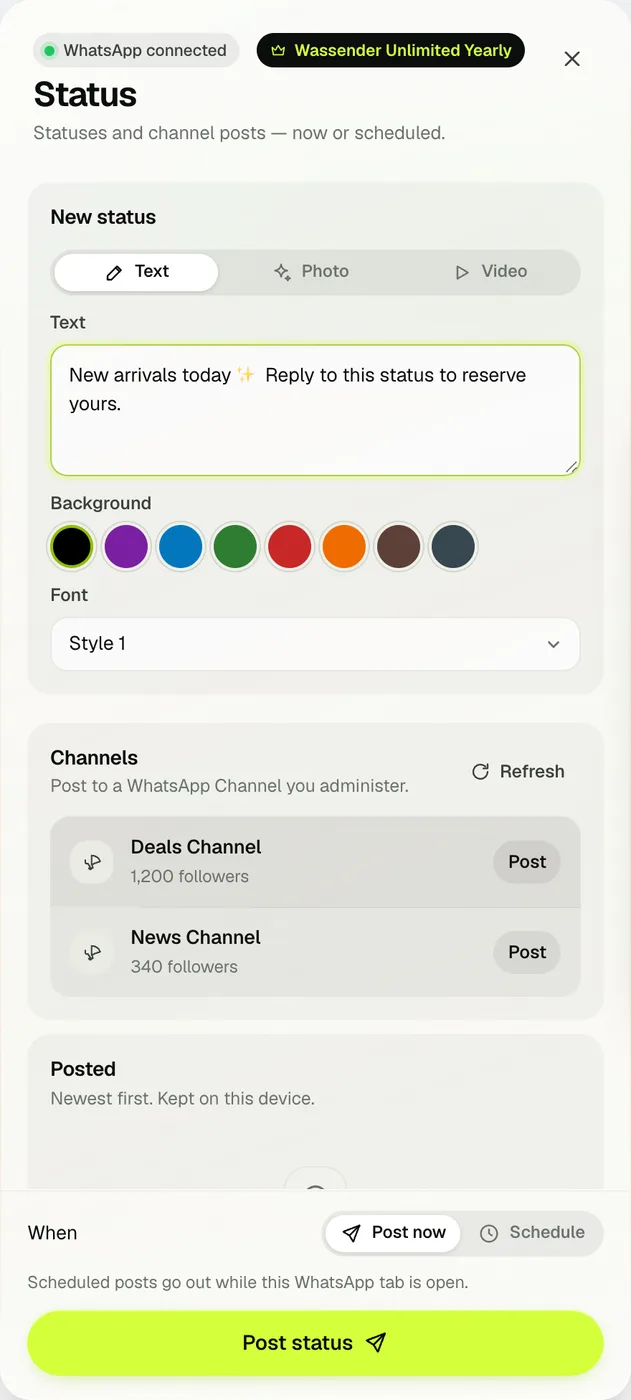
02 · NOW OR LATERPost now, or schedule it.
Under When, choose Post now or Schedule and pick a future time. Wassender asks you to confirm, because a Status is visible to everyone who can see your Statuses.
- Scheduled posts go out while this WhatsApp tab is open.
03 · CHANNELSPost to a Channel you administer.
If you administer a WhatsApp Channel, it appears under Channels with its follower count. Press Post, write the update or add a photo, then post it now or schedule it.
- Press Refresh if a new Channel doesn't appear yet.
- Statuses and Channel posts are part of Unlimited.